Do you know what’s expensive? Everything, my fam, everything. Grocery bills and utilities are up from last year. Rents are going up, including mine. This is leaving everyone’s budget tight, including mine.
Do you know what else is expensive? Being a working writer, specifically an indie writer. Professional editing, writing software, cover art, web hosting, conventions. It all adds up fast.
I’m going to be fully transparent with you right now, and share exactly what I’ve spent writing money on this year.
– $150 for Nebula con
-$110 for web hosting
-$60 for Dabble (If you do Nanowrimo you get a really sweet coupon for Dabble that takes the price down by a lot.)
-$15 for printing
– And I’ve lost track of how much I spent on Amazon ads.
Everything I spend is worth it. I’m not spending as much as some other authors, honestly. I could be investing more. (And I should for sure be keeping better track of how much ads cost me.)
But most of the things I use every day to run my writing business don’t cost me anything. So I wanted to talk today about what I use, give a shoutout to some companies that deserve it, and maybe help you save some hard-earned money.
None of these items are sponsored, these are only my opinions.
I rely on the International Movie Database for reviews. I use it to check facts about actors, directors, and anyone else involved with a piece of visual content I’m talking about. I can check the upcoming schedules, release dates, all of it. Honestly, this site is my best review friend.
Much like IMDB, I use Goodreads to check facts for my book reviews. I also cross-post my blog posts there if they’re book related. I use them to market my books, reach out to all of you lovely people, keep track of the books I want to read, keep track of what my friends are reading. It’s a good time.
Oh, and Bookbub tells me when books I might like are on sale. So I’ve gotten some good book deals that way.
I might have talked about Grammarly before, but it bears repeating. Everything I post online goes through a Grammarly search first to make sure I’m putting out my best material.
Notion has a paid service, but I’ve been using the unpaid one for almost a year now and I love it. I use it to organize projects, my schedule, my to-do list, and my blog plans. Keep in mind, I run this site, contribute to Haunted MTL, work on three podcasts, and write novels and short stories. This is all in addition to having a full-time job and, you know, living. If I didn’t have Notion in addition to my bullet journal, I would lose my goddamned mind.
(Are you guys interested in how I use Notion along with my bullet journal? Let me know in the comments if that would be an interesting blog post)
I for sure have mentioned Canva before, but I’m going to go ahead and sing its praises again.
Canva is a site that allows you to create graphics, book covers, Instagram posts, anything pretty much. I’ve also started making my wallpapers there recently, and that’s been an enjoyable experience. I make all of my blog graphics there, including the one for this post itself.
Again there are some paid options, but a free version works just fine.
Along with Canva, Pixabay is the site I use to find good fair use artwork and pictures. And they are, let me tell you, lovely. Almost any picture on here or on my social media, unless I specifically took it myself, is from there.
This is by far my favorite site when I’m submitting work to literary agents. It has up-to-date information on agents, lets me search by genre, and keeps track of who I’ve submitted to! I am so bad at keeping track of things like that, no matter how hard I try. This site has kept me from double submitting more than once.
I swear, sometimes it takes longer to find a place to submit a short story than it did to write it. But the Submission Grinder helps out here. You can specify what sort of market you’re looking for in a great amount of detail. What word count, genre, and pay level are you looking for? You can be specific, allowing you to just see markets that fit your current story’s needs instead of wading through places that are just a waste of your time. I love this site.
This is one that I’ve been using for years and years to find writing markets. And it doesn’t just contain short story markets. I’ve searched for writing jobs, review work, nonfiction, agents, and publishers. Anything you want to sell, you can find somewhere to sell it here.
The Library
This might seem like a no-brainer, but it’s just not talked about enough. A writer cannot do anything better for themselves than having a good relationship with their local library.
I tweeted about this the other day but in case you missed it, here’s a list of things I did in just one trip to the library.
-I got a pile of research material for an upcoming book.
-I got a draft of AA published for the next round of editing for way cheaper than anywhere else.
-I had a quiet place to work and read for a bit.
-I was able to get a cheap cup of good coffee.
-I snagged a copy of Daughter of Dr. Moreau, which I’ve been excited to read.
Your local library is an indispensable resource. We don’t talk about them enough. We don’t thank them enough.
So that’s it! Hopefully, this list will save you some money and maybe even some time.
I’d love to hear from you, though. Are there any writing tools that you couldn’t live without and cost no money? Let us know in the comments.
Want to support Paper Beats World? You can do so on Ko-fi.
You can also follow us on Twitter, Instagram, Bookbub, Goodreads, and Pinterest
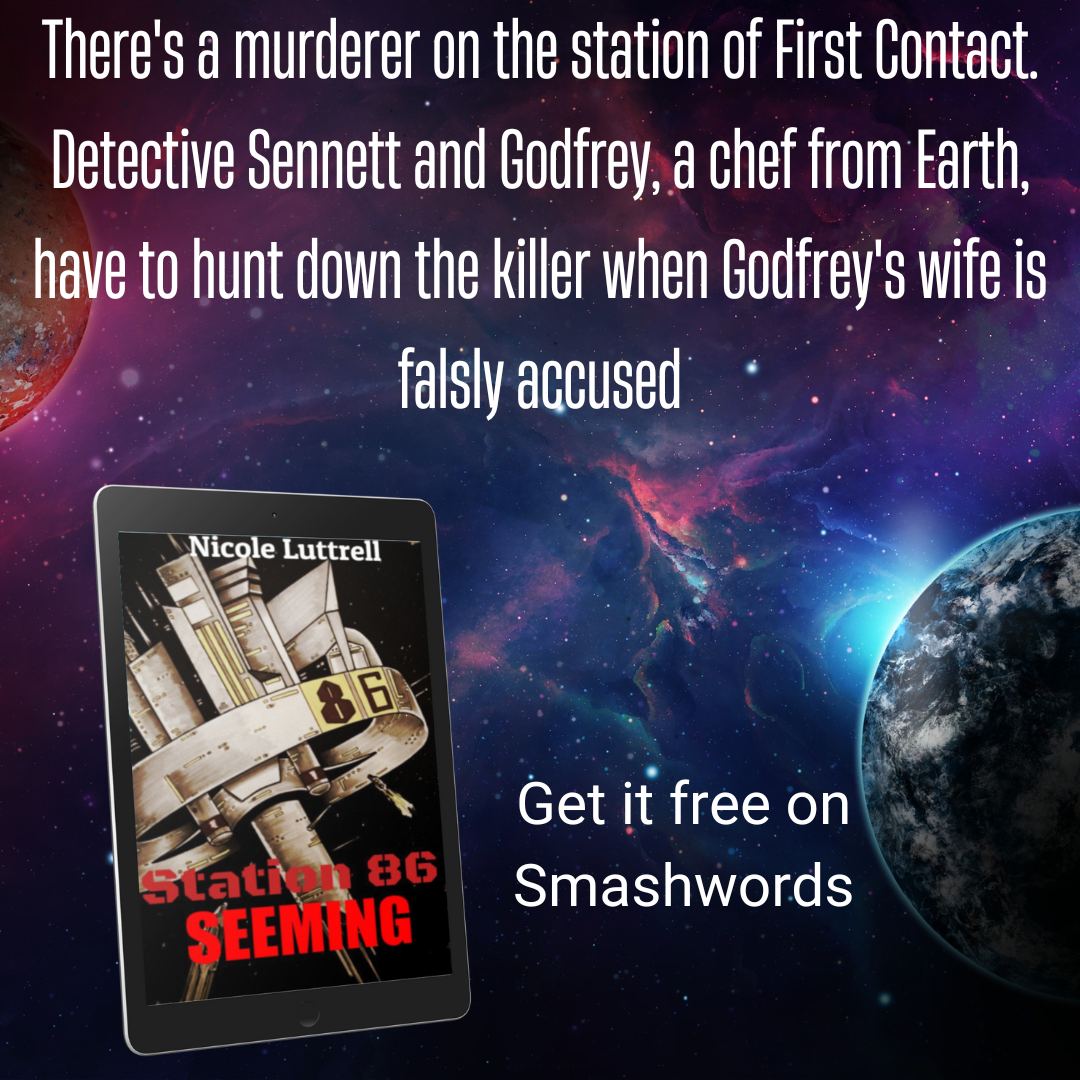
Want a free book? Station 86 number 1, Seeming, is available for free on Smashwords.
 Paper Beats World
Recent Comments